Choosing digital signage software can feel overwhelming, especially with the myriad of options available. You might wonder, “How do I sift through hundreds of platforms to find the one that best suits my needs?” This article aims to guide you through the selection process, making it easier to identify the right digital signage solution for your organization. From understanding where to search for software to assessing vendor claims and comparing final options, we’ll cover everything you need to know to make an informed decision.
Digital signage plays a crucial role in communication across various industries. Whether you’re managing multiple locations or looking to engage customers in a retail environment, having the right software can significantly impact your success. Let’s dive into the best strategies for finding and selecting digital signage software.
Where to Start Your Search for Digital Signage Software
When beginning your search, most teams turn to review directories. The sheer volume of products can be daunting. For instance, G2 featured over 550 digital signage products as of late 2023, with approximately 67,400 verified reviews. Similarly, Capterra lists around 500 options and roughly 24,700 reviews. A quick glance at these platforms reveals more options than any IT team could feasibly test.
However, the barriers to entry for being listed are low. If a product can display images, upload content, and allow for remote management, it qualifies. This means while you can see what’s available, it doesn’t necessarily indicate what will meet your specific needs.
Review directories do offer valuable insights, particularly regarding what features other users find essential. According to Capterra’s findings, the following functionalities are consistently highlighted by users:
The prioritization of remote management capabilities aligns with real-world experiences. Often, the challenges arise from screens that are out of sight, rather than from the content displayed. Thus, focusing on features that ensure visibility and control is crucial.
What to Look for on Vendor Pages Before Scheduling a Demo
A vendor’s website should clarify a few key aspects before you even think about booking a demo. Specifically, you want to know:
1. Does the platform confirm that content is currently displayed?
2. What happens if the internet connection drops?
3. Are there specific customer profiles for which the software is not suitable?
Unfortunately, many vendor sites fail to provide this information. Security features are often highlighted, but practical details like content playback verification are frequently overlooked.
For instance, one vendor explicitly states limitations related to network sizes or content change frequency, which is crucial information that can save you time during the demo phase.
When assessing vendor pages, focus on these essential questions:
If a vendor openly addresses these concerns, it’s likely they will provide similar transparency during your discussions.
Comparing Platforms: The Importance of a Weighted Scorecard
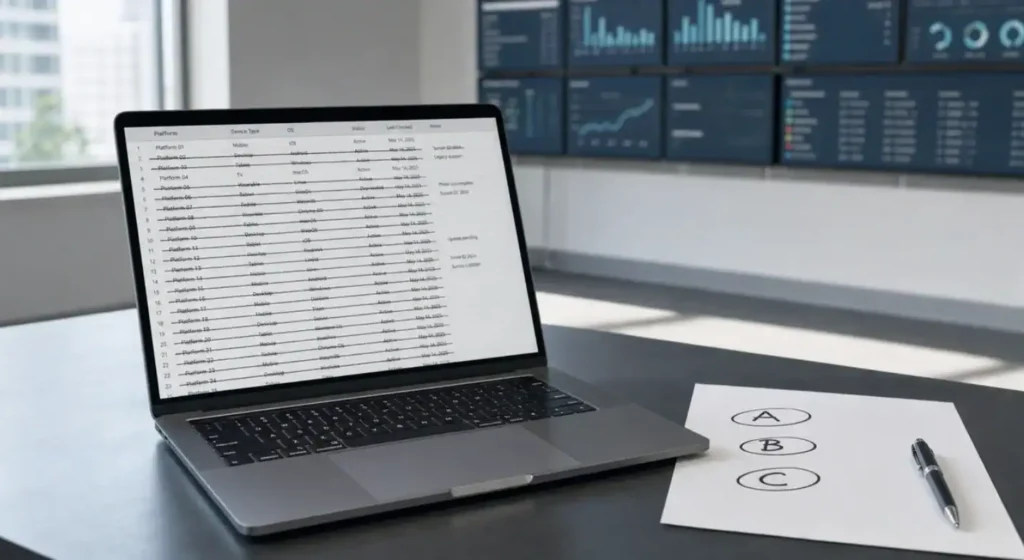
Once you have a shortlist, it’s time to compare platforms. A weighted scorecard can help you make a more objective assessment. You might consider criteria such as:
Score each option from 1 to 10 based on these criteria. For example, a hypothetical comparison may look like this:
CriteriaWeightPlatform APlatform BPlatform C
Ease of use 20% 9 7 8
Features 25% 6 8 9
Reliability 20% 6 8 7
Support 15% 7 7 8
Price 10% 9 6 5
Scalability 10% 5 7 9
Weighted Total7.357.156.95
In this scenario, Platform B emerges as the best option despite its higher price, thanks to its reliability and features.
Evaluating Ease of Use and Reliability
Testing ease of use involves time-trialing specific tasks. For example, you might track how long it takes to:
Software that completes these tasks efficiently without needing support is a strong contender.
Reliability metrics are also essential. Uptime percentages give you an idea of how often the system will be operational. A commitment to 99.9% uptime, for instance, translates to less than nine hours of downtime annually—critical for businesses that rely on continuous display.
Understanding the Costs of Digital Signage Software
Pricing for digital signage software ranges widely, from approximately $3 to $45 per screen monthly. For a small business with ten screens, you’re looking at an investment of $1,080 to $16,200 over three years, not including hardware costs. Therefore, it’s essential to consider the total cost of ownership over several years.
Most vendors offer trial periods lasting between 14 to 30 days, but two weeks of active testing is typically necessary to uncover potential issues related to offline access or user permissions. Some vendors also provide a free tier for a single screen, which can allow you to test the layout without any upfront expense—though these often lack the remote management features that users prioritize.
In summary, navigating the world of digital signage software doesn’t have to be an overwhelming task. By following a structured approach to your search, assessing vendor claims critically, and utilizing scorecards to compare options, you can find a solution that meets your requirements effectively.