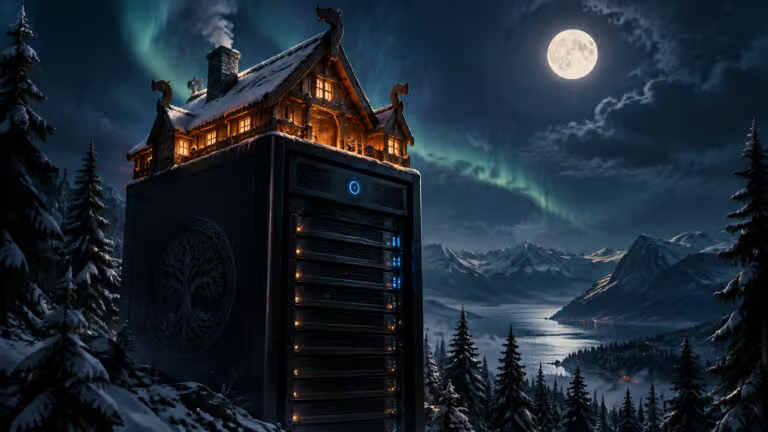
Creating a captivating world in Valheim can be an exhilarating experience, but it’s crucial to ensure that your progress doesn’t vanish unexpectedly. Imagine investing hours into crafting a sprawling settlement, only to lose it all due to a simple oversight. With the recent release of Valheim 1.0 on September 9, 2026, it’s more essential than ever to understand how to effectively host your own server. This guide will walk you through the various hosting options available for Valheim, including the implications of crossplay and how to safeguard your world from potential mishaps.
Let’s dive into what you need to know to keep your Valheim adventures alive and thriving!
Why Opt for a Dedicated Server Over In-Game Hosting?
When you host a Valheim world directly from the game menu, the experience is tied to one player’s computer. This can lead to several challenges:
The world is only accessible when the host is online. This means that coordinating playtimes may become a hassle, as everyone has to align with one person’s schedule.
Performance issues can arise. The host’s hardware and internet speed directly affect everyone’s gameplay. If the host has a slow connection, everyone suffers.
It’s fragile. If the host encounters a problem, such as a power outage or a slow computer, the entire world can be lost.
In contrast, a dedicated server allows the world to persist independently of any single player. This means you can enjoy uninterrupted gameplay at any hour, whether your friends are early risers or night owls.
Understanding Crossplay Before You Set Up
If you have friends using different platforms—such as Xbox, PS5, or Switch 2—it’s vital to recognize that they’ll need your server to utilize Valheim’s crossplay backend. This means they won’t be able to connect to a server that is exclusively for Steam users.
So, what does this mean for you? If you want to include your console friends, you must ensure that your server supports crossplay from the beginning. Remember, once you set up a server with crossplay, you won’t be able to use certain mods, such as BepInEx, which could enhance your gaming experience.
Three Ways to Host Your Valheim Server
When deciding how to host your Valheim server, consider these three options:
Checklist Before Committing to a Server
Before you settle on a hosting method, make sure to consider these three important factors:
Can you enable the -crossplay feature? This is crucial if you want console players to join your world.
Can you download your world files? This ensures that you can back up your progress, giving you peace of mind.
Can you set world modifiers? This allows you to tweak gameplay settings to suit your group’s preferences.
Checking these off your list will help you avoid future headaches!
Setting Things Up: Avoid Common Pitfalls
Starting your server can be tricky if you’re not aware of the common issues. One of the main reasons servers fail to launch is due to password rules:
Make sure your server password has at least 5 characters and doesn’t contain any part of the server or world name. A password like «Valheim123» for a server named «Valheim World» won’t work!
Here’s a quick setup guide:
- Install the Dedicated Server Software: Ensure that you have the right tools in Steam.
- Manage Your Networking: If you’re not using crossplay, remember to forward the necessary ports.
- Shutdown Properly: Always stop the server using the correct command to avoid leaving processes running.
Backups and Permissions: Safeguarding Your World
Understanding how backups work is essential. Your server saves progress every 30 minutes by default, and it keeps backups of the last four saves.
Here’s a crucial tip: When copying your world files, always grab both the .db and .fwl files. Missing either one can render your backup useless.
Fresh World or Old World for Valheim 1.0?
With the launch of Valheim 1.0, starting a fresh world is advisable. Iron Gate recommends this to fully experience the new content, including the Deep North biome. Existing worlds might not generate new features correctly, which can limit your exploration.
Final Preparations Before Your Adventure
Make sure everything is in place before anyone sets sail:
- Your server should be up and running.
- A secure password should be set.
- Modifiers and backups should be configured.
Only then should you embark on your next journey in Valheim!