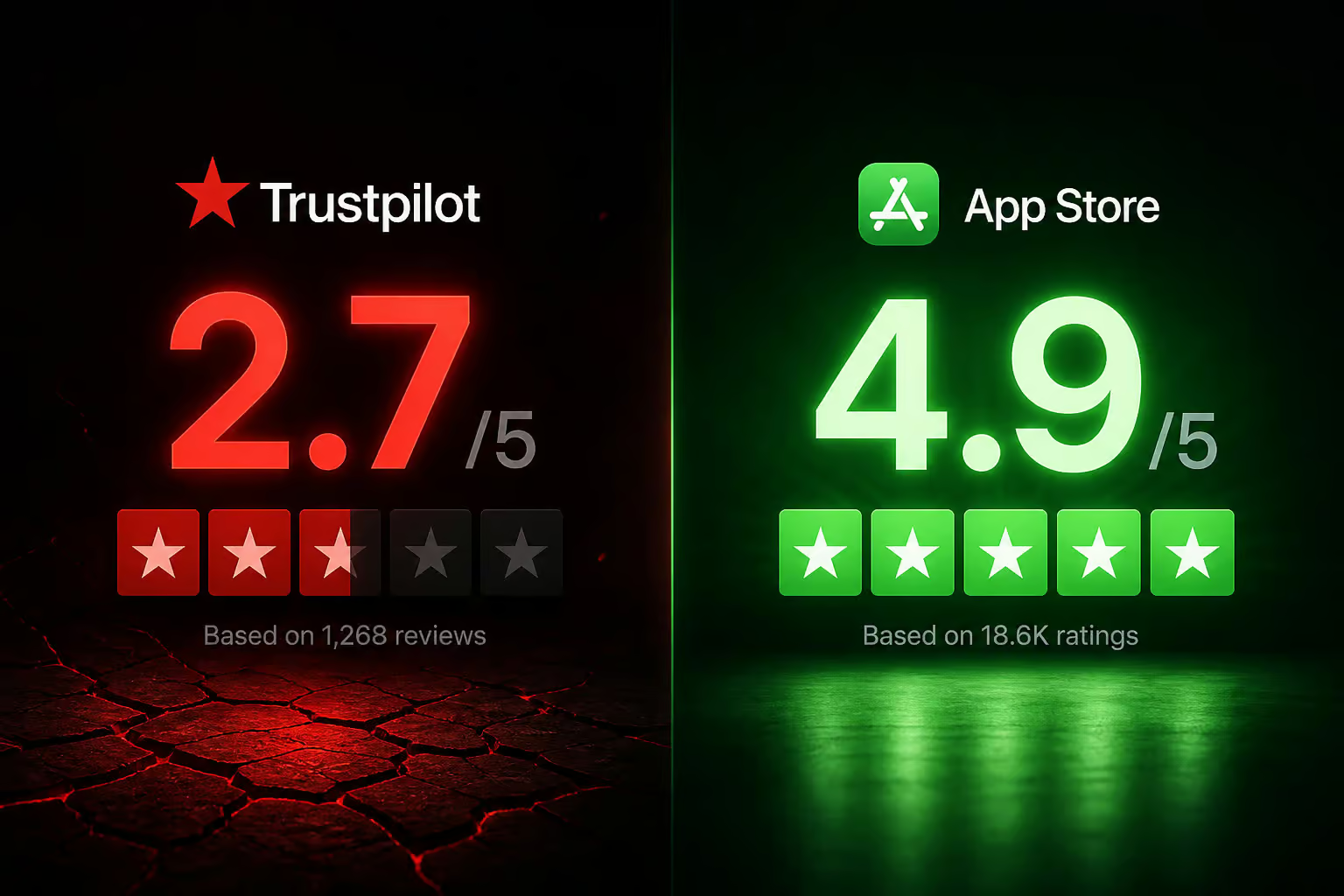
There are countless web browsers available, but few generate as much mixed feedback as Wave Browser. With a Trustpilot score of just 2.7 out of 5, contrasted with a dazzling 4.9 from over 12,000 App Store reviews, it’s clear that user experiences vary significantly. Some users report encountering it unexpectedly during software installations, while others praise its integrated AI tools. So, what’s behind this duality?
In this article, we’ll delve into the key features of Wave Browser, how it operates, and whether it’s worth your time and money. Are you curious about its capabilities, or do you have concerns regarding its reputation? Let’s explore everything you need to know about Wave Browser, from its pricing structure to user experiences, and help you make an informed decision.
Understanding Wave Browser’s Features and Pricing
When considering an upgrade to Wave Browser Pro, it’s essential to know what you’ll receive. The browser operates on the Chromium engine, which ensures compatibility with various extensions and familiar rendering. Available for Windows, macOS, and Linux, the free version offers a built-in ad blocker, sidebar utilities, and a VPN limited to just 30 minutes per month. This initial offering might whet your appetite, but for real privacy and functionality, you’ll need to go Pro.
The Advantages of Wave Browser Pro
Upgrading to Pro unlocks several valuable features. Users have described the Pro VPN as “fast and reliable,” with a network of global servers. While independent verification of speed is not available, this is a common claim among VPN providers. Additionally, Pro users gain access to unlimited session recording, transcription, and AI summaries—features not typically found together in a browser. Educators like Jennifer Mitchell have found the AI assistant especially helpful for lesson planning and grading, making it a noteworthy asset for those in the teaching profession.
The sidebar tools are another strong point, allowing you to access notes, conversion tools, and even social media shortcuts without switching tabs, enhancing productivity significantly.
Comparing Free and Pro Versions
When weighing the options between the free and Pro versions of Wave Browser, consider the following:
- VPN: 30 minutes/month vs. unlimited access
- Recording and Transcription: Not available in free version
- AI Summaries: Only in Pro
- Ad Blocker: Available in both
- Sidebar Tools: Accessible in both
The capped VPN time is a crucial factor. Without the Pro upgrade, you won’t effectively leverage Wave Browser for privacy.
Decoding the Trustpilot vs. App Store Ratings
The stark contrast between the ratings—2.7 on Trustpilot versus 4.9 on the App Store—raises questions. How can two platforms present such different pictures of the same service?
Trustpilot reviews often reflect the experiences of users who encountered issues, as they tend to seek out platforms to voice their frustrations. In contrast, users on the App Store likely downloaded Wave Browser intentionally, which could lead to more positive feedback. The discrepancy suggests that while some users are satisfied, others have had troubling experiences.
How Does Wave Browser Install on Your Device?
One significant concern is how Wave Browser often installs itself without explicit user consent. Reports indicate that it can appear alongside unrelated software—like wallpaper applications—often masquerading as Chrome. This kind of stealth installation is a hallmark of what’s considered a Potentially Unwanted Program (PUP).
Numerous IT professionals have noted that Wave Browser’s behavior raises red flags. Experiences shared on platforms like Spiceworks describe users needing to edit their system registry to remove it. Such invasive practices are alarming and warrant caution.
Subscription and Billing Challenges
If the installation methods don’t deter you, the billing complaints might. Many users have reported difficulties canceling subscriptions after free trials, often being charged $9.95 without their consent. This amount, while seemingly minor, can be frustrating when unexpected. Users like Robert Shelton have had to chase refunds, while others have found cancellation paths hidden or non-functional.
The billing model raises concerns about transparency and fairness.
Assessing Company Credibility and Environmental Initiatives
Wave Browser claims to be focused on speed and security, with support options available. They’ve partnered with 4ocean, pledging to remove 300,000 pounds of ocean waste by 2028, which some users find appealing. However, without third-party verification, it’s difficult to discern whether these claims are genuine or merely marketing tactics.
Critics have even suggested that the company’s responses to negative reviews may be AI-generated, raising further doubts about their commitment to customer service.
Final Thoughts on Wave Browser Pro
The decision to use Wave Browser Pro ultimately hinges on your needs.
For those prioritizing privacy: It’s advisable to steer clear, given the PUP concerns and billing issues.
If you’re a casual user: The integrated tools and environmental mission may be appealing, but be wary of potential pitfalls.
For educators: The AI assistant could be a game-changer, but weigh it against other available options before committing.
In summary, while Wave Browser Pro offers attractive features, it carries significant risks that you should consider before diving in.